
This is a div block with a Webflow interaction that will be triggered when the heading is in the view.
- In this post we'll describe how you can figure out if this is happening and what your options might be to get better email banner deliverability.
- This is why Apple blocks Sigstr’s plug-in banners by default - and why, if you have Apple users as customers, a big percentage of your recipients can’t see your banners.
- This is because images transmitted via email plug-ins or added to emails after they are sent (and not included inline) have been used to spread malware and viruses.

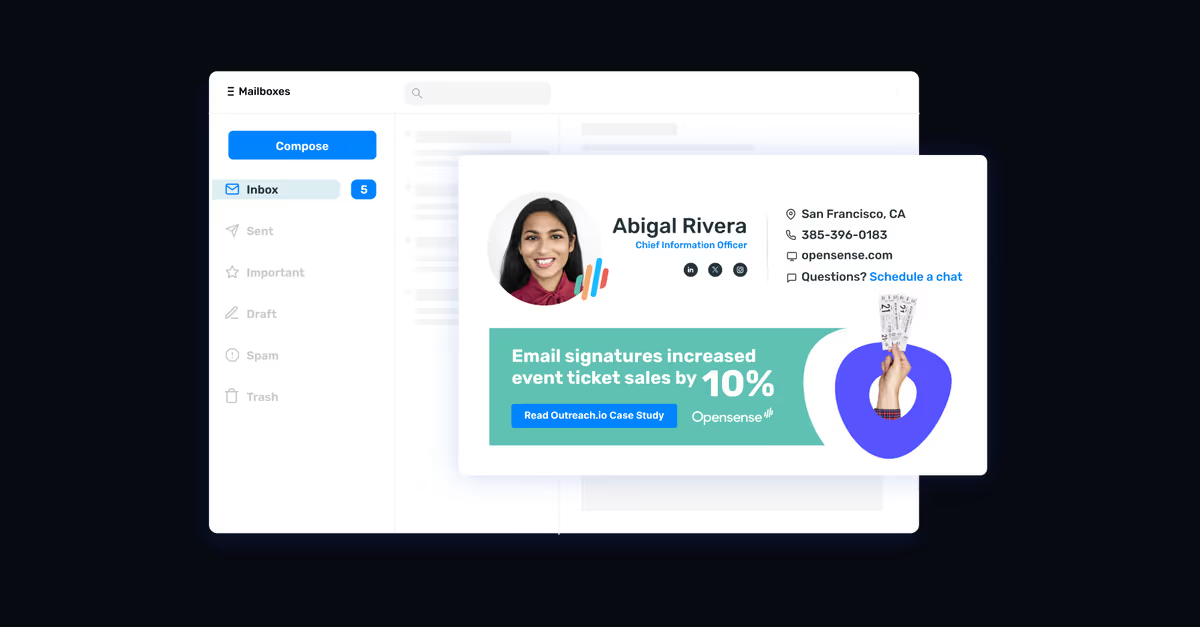
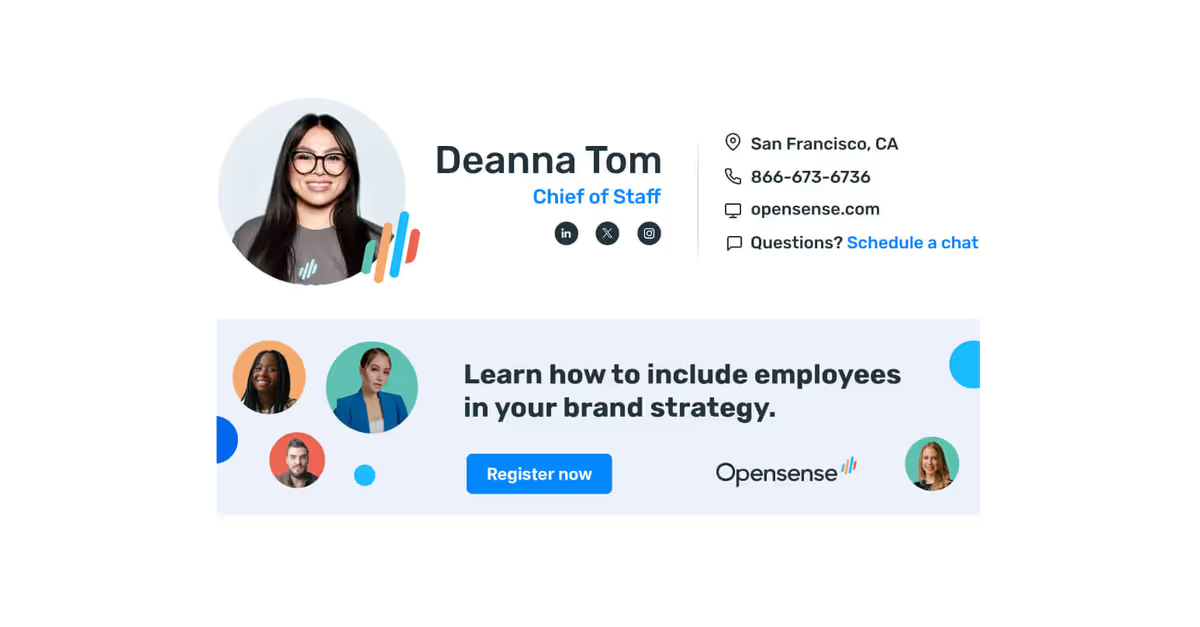
Lots of people use email signature banners for marketing messages. We know they work. We see a 4% to 7% click-through rate on banners in emails sent with Opensense email signature banners. That’s much higher than the banner click-through rates for retargeting campaigns online. But many email signature banner systems will not get you those types of CTRs. Why? Because they actually can’t display banners on popular desktop email clients and systems like Apple Mail and Microsoft Outlook. These email signature systems can only deliver hosted images, and those get blocked.
In other words, all the hard work you and your creative team have put into banners may go for nothing. And you may be losing out on the equivalent of hundreds of thousands of dollars in advertising (and millions of page views - we go over that math here). In this post we'll describe how you can figure out if this is happening and what your options might be to get better email banner deliverability.
Why Apple Mail Blocks Plug-In Email Signatures on the Desktop
Apple Mail is widely used as the desktop email client on Apple laptops. It’s a very nice email client and Apple designed it to be private and secure. Which is why Apple blocks all email signature banners on Apple Mail if they are generated by email plug-in software like Drift*. Email plug-ins can be a serious security risk and a vector to drop malware onto a smartphone, laptop or tablet. Email signature plug-ins also “phone home” to pull in the image. This can dramatically slow down performance depending on the weight of the banner and signature images. and whether they have dynamic content or not. This is why Apple blocks Sigstr’s plug-in banners by default - and why, if you have Apple users as customers, a big percentage of your recipients can’t see your banners.
Outlook Desktop Client Also Blocks Plug-In Email Signatures
For similar reasons to Apple, Microsoft Outlook, the desktop and mobile native version of the Microsoft Office email software, also blocks banners from plug-in email signature software. Your emails will show up with a gray area or an “x” that must be clicked on in order to download the banner image. This is because images transmitted via email plug-ins or added to emails after they are sent (and not included inline) have been used to spread malware and viruses. These images also can dramatically slow down load-times, or even crash the email client if the image is too big. If you send the image as an inline-image (or embedded) image, then Outlook does allow the image to display.
What Can You Do?
First, try to estimate how many recipients of your sales and marketing emails are on desktop Apple Mail or Outlook. This may be a higher percentage than you realize. In tightly regulated industries where Outlook remains heavily penetrated, we see 20% or more of users on the local email clients as opposed to Microsoft’s cloud-based Office365 system. For Apple Mail, the percentage tends to be lower but it is often close to 10%. This is particularly true in industries where Apple is popular - technology, entertainment an education.
Next, figure out whether your email signature banner software is plugin based like Sigstr. The company should be able to tell you. If they give you a confusing response, then simply send emails to people you know who use Apple Mail and Outlook. Ask them to screenshot what the email looks like and send it back to you. If the email signature block on your email contains a gray area, an “x”, or is otherwise missing your banner content, then you know you’ve been blocked and you should assume its' happening for many other recipients of your emails.
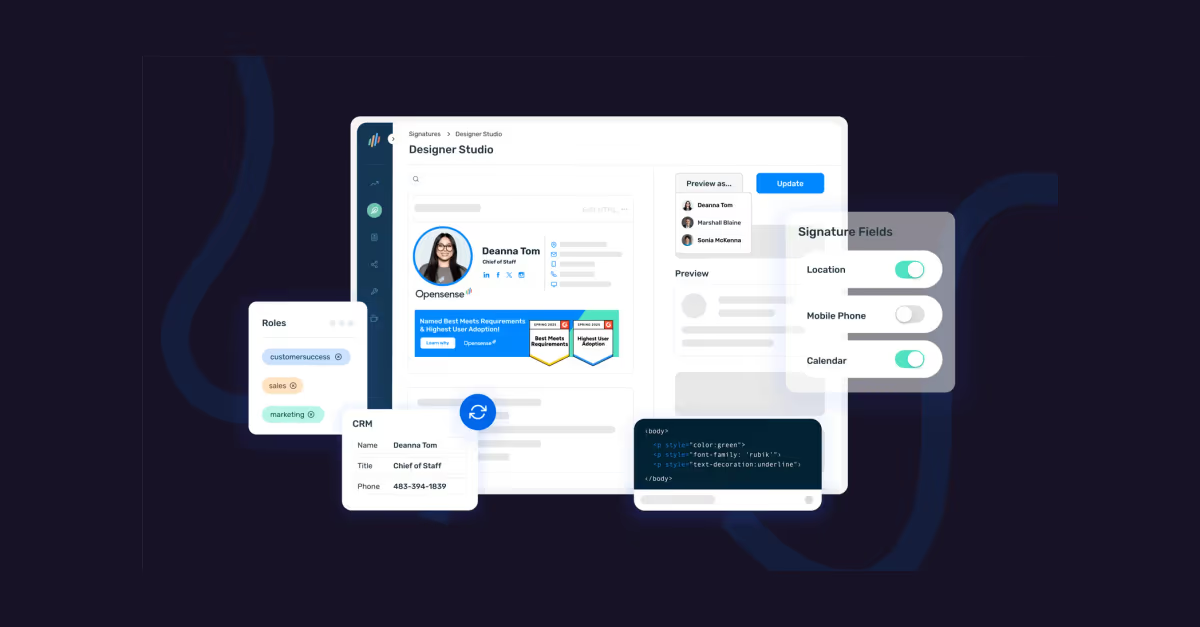
Lastly, shop for an email signature and banner software that operates at the email server / SMTP layer. These are "server-based" rather than "plug-in based" solutions. (You can ask this question point blank in the product research process). This will mean that your signatures are not being configured based on a plugin installed at the email client level; rather, signatures and banners are built at the email server level. This is far more secure and reliable. It also makes for a far less complicated (and zero-touch) experience with your employees.
The marketing, communication or brand team can build email signatures or email add banners and ensure banner delivery without the senders needing to worry about whether they have the right signature or banner. (Huge bonus - updates to signatures are a breeze, and end-users cannot take liberties with their signatures for title inflation).
We hope this explanation was useful to you. If you have any email tips or questions for us, please share with the Opensense team!
*Note: To be fair, Drift is a collection of chatbot tools with some email capabilities but it was not designed to be an email signature tool. It does not support Office 365 signatures, for example.