
Connect Opensense to HubSpot Emails, Workflows, and Sequences

55
 min read
Blog post thumbnail: Opensense HubSpot Integration - CRM email signature automation and workflow management
TABLE OF CONTENTS
Example H2

This is a div block with a Webflow interaction that will be triggered when the heading is in the view.

Example H3
Example H4
Example H5
Example H6
Key Takeaways
  • Deliver more value and a better brand experience through power of Inbound Marketing and everyday email.
  • The HubSpot and Opensense integration helps marketing, sales and customer success teams get more insights, more impressions and more engagement from every single email sent out of HubSpot CRM.
  • Watch the video below to see a demo of the HubSpot + Opensense integration.

    Deliver more value and a better brand experience through power of Inbound Marketing and everyday email.

    The HubSpot and Opensense integration helps marketing, sales and customer success teams get more insights, more impressions and more engagement from every single email sent out of HubSpot CRM. 

    Watch the video below to see a demo of the HubSpot + Opensense integration. 

    SUMMARIZE WITH
    Was this helpful? Share it!
    Opensense logo
    Jass Binning
    VP of Marketing at Opensense

    Jass Binning serves as the Director of Marketing at Opensense, where she oversees the strategic growth and brand positioning of the platform. Jass specializes in high-growth SaaS marketing, focusing on demand generation and brand consistency across complex digital landscapes. Her insights help marketers turn routine business processes into scalable revenue-generating opportunities.

    More Articles

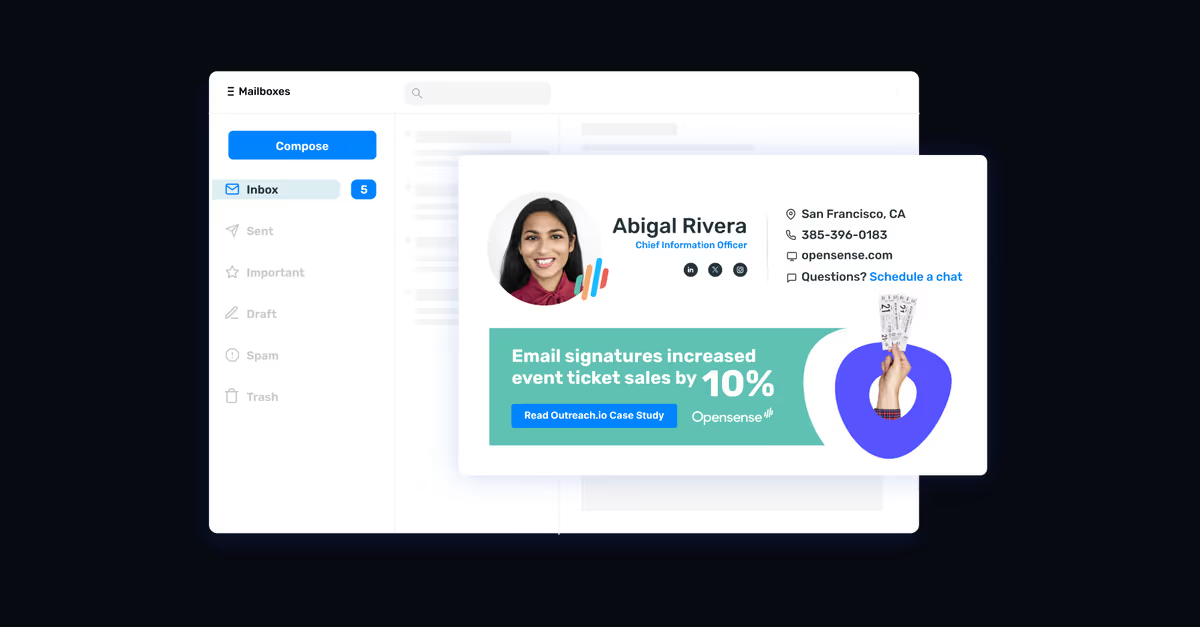
    A managed Opensense email signature inside a mailbox, with callouts showing the signature standard enforced for IT, marketing, and legal from one dashboard.
    How to Deploy Email Signatures So Outlook Cannot Override Them
    Outlook cannot override a signature it never applies. Deploy server-side through an Exchange Online mail flow rule, lock the fields, disable the local editor, then prove it with a bad paste.
    A branded email signature with a headshot, name, title, phone numbers, and social icons, shown at the width it was designed for on a desktop.
    How to Fix Branded Email Signatures on Mobile
    Branded email signatures break on phones because the template was built for a monitor. Seven fixes IT makes once in the locked template, then deploys to every mailbox at once.
    A managed company email signature shown alongside the admin console rule that applied it, illustrating centralized email signature governance.
    Email Signature Governance: Ownership, Controls, and a 7-Step Framework
    Email signature governance is who owns signature design, who approves disclaimer language, and how both reach every send. A framework for IT, legal, and marketing.
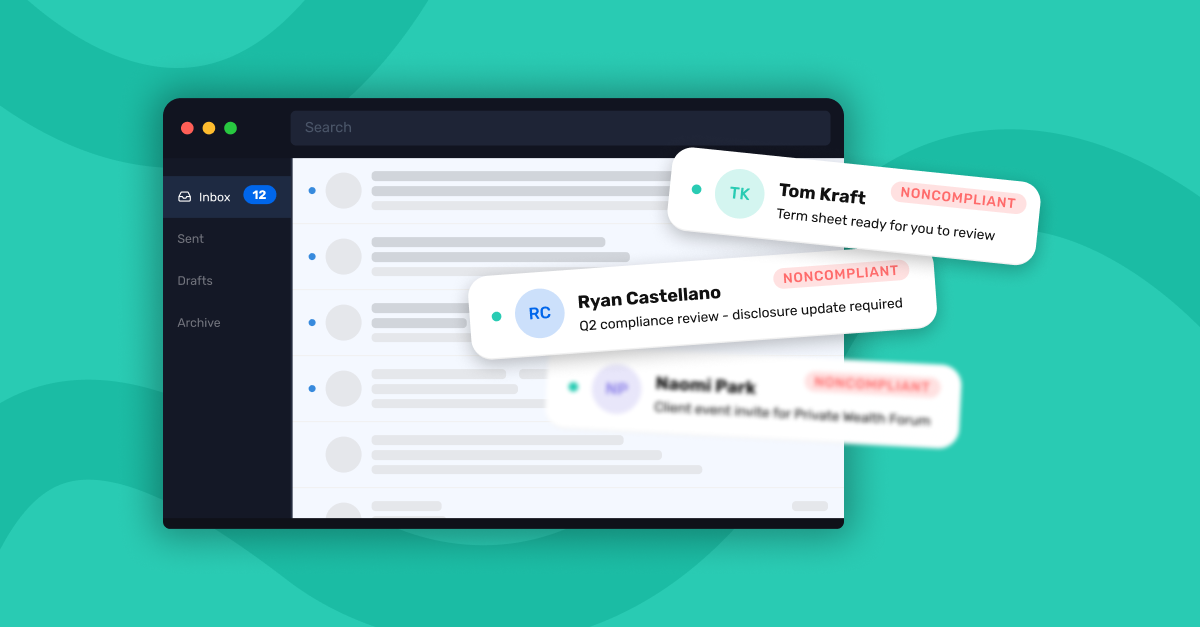
    An email inbox interface displaying outbound employee emails flagged with noncompliant labels — illustrating how ungoverned employee email creates compliance exposure at financial institutions.
    What 2,200 Employees Taught One Bank About Brand Consistency
    How a regional financial institution found its biggest brand risk hiding in employee email, and what it built to fix it.