
This is a div block with a Webflow interaction that will be triggered when the heading is in the view.
- This is the essence of data-driven decision-making.
- Here are three ways B2B sales teams can use this channel to better understand their buyers and ultimately win more deals.
- This can become daunting even for the most experienced sales professionals, so it’s important to build a foundation where you can first map out and take inventory of the full buying committee.
- In order to do this, you need data.

During those crucial moments when deals are won or lost, there’s a channel that sellers rely on the most. Why? Because it’s the only channel that can directly impact entire buying committees and take center stage as buyers move closer to purchase.
Employee email is becoming sellers’ new favorite channel for email engagement data. Just like how marketers find value in identifying prospects visiting the website, sellers find value in knowing which buyers are interacting with their emails. Knowledge truly is power in today’s environment of B2B sales, and the more teams know about their buyers’ behavior, the better they can plan their next move. Email tracking helps your sales team know who to talk to, what to say, and when to follow up. It can answer important questions like:
- Did your prospect open the email?
- What time did they interact with it?
- Which links piqued their interest, and which ones were overlooked?
- Did they view your videos, explore your attachments, and for how long?
Data points like email replay, attachment tracking, and link tracking all become breadcrumbs that help sellers better understand their buyer’s mindset and preferences. Instead of guessing on the timing or content of follow-up messages, sellers can now establish a system for relevant, timely, and informed responses to each buyer. This is the essence of data-driven decision-making.
Here are three ways B2B sales teams can use this channel to better understand their buyers and ultimately win more deals.
Play #1: Identify New Buying Committee Members or Champions
Today’s B2B buying committee is made up of 7 to 20 individuals on average, which means more decision-makers and longer sales cycles. This can become daunting even for the most experienced sales professionals, so it’s important to build a foundation where you can first map out and take inventory of the full buying committee. In order to do this, you need data. Names, titles, and contact information are all vital, and email engagement data is especially useful.
Do you have a champion or multiple champions? How deep is their interest? How many times did the recipient re-open your message and did they open the attachment? By answering these questions with email tracking data, B2B sellers will be able to piece together a full roster of the buying committee.
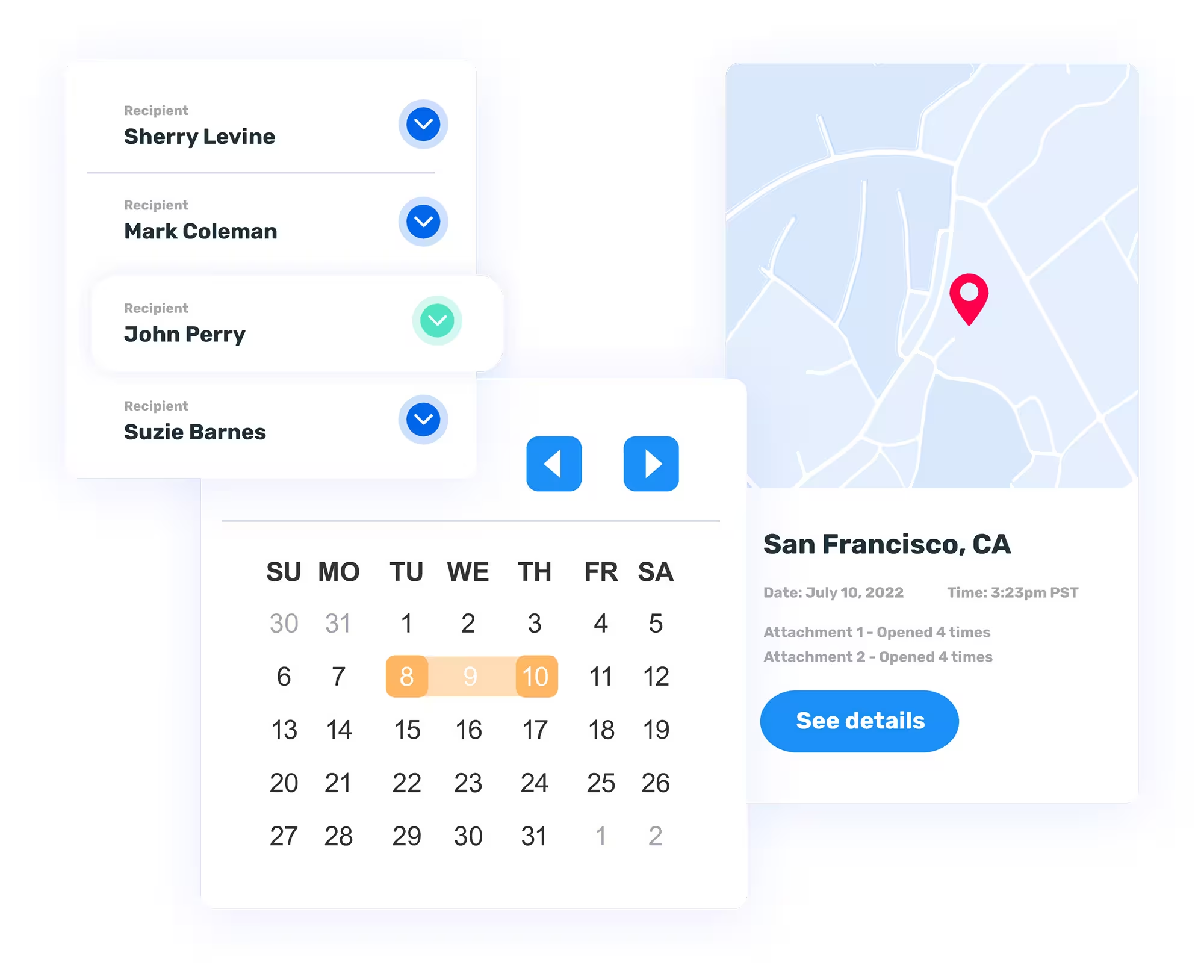
With multi-recipient tracking, it’s also possible to see the exact email of the person who engaged with a sent message, how they engaged with links or attachments, the type of device they are on, and where their location. Take note of who is interacting most with different types of content. And track all emails and content interactions in Salesforce or other CRMs so you stay organized as you use each interaction in the sales cycle to get smarter about your buyers.
Play #2: Capture Every Signal Across All Target Accounts
By seeing how potential buyers interact with your email content, links, videos, attachments, and more, you can gauge interest and plan a follow-up. And do it at scale across multiple buying committees and accounts. It all starts with collecting valuable insights that help you spot trends, predict next moves, and prioritize your best opportunities. This list might include:
- Video replays of recipient interactions with emails and attachments.
- Email attachment tracking, like time spent on specific slides or pages.
- Video interaction analytics like views, time spent, and "most watched" sections of the videos.
- Individual recipient analytics for multi-recipient emails.
- Website activity after clicks on emails.
For example, if a seller sees that an email recipient has opened an email multiple times, then spent a lot of time on the pricing page of the solutions and offerings PDF, this becomes a signal for many things. The seller now knows they have a champion, they have expanded visibility into the buying committee, this is a legitimate revenue opportunity, and they need to prioritize a follow-up message.
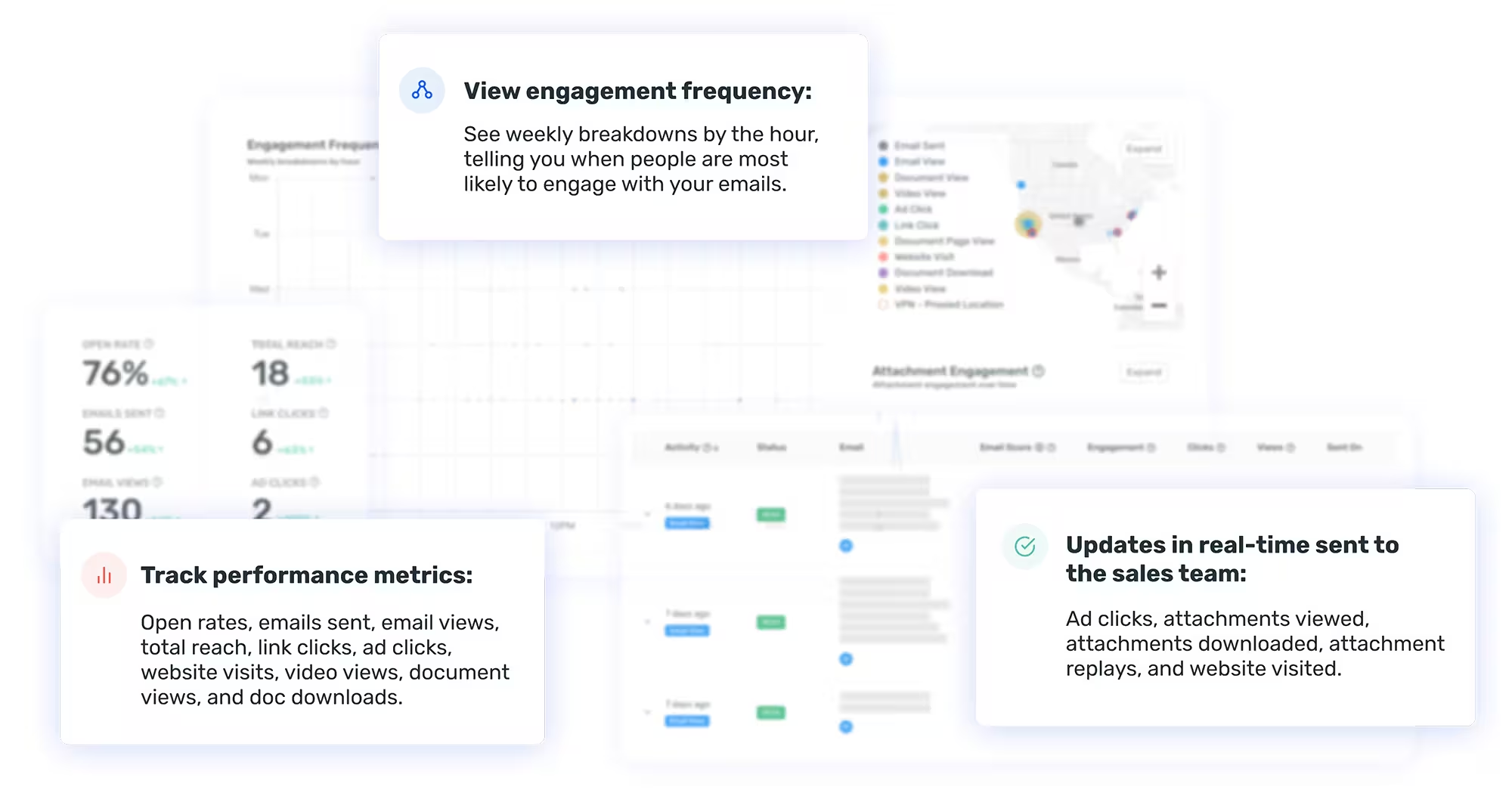
Updates like ad clicks, attachments viewed, attachments downloaded, attachment replays, and website visits can all be sent to the sales team in real-time. This actionable data can make a sales team smarter and more effective, and it’s all within one channel.
Play #3: Nail the Timing and Optimize Your Strategy
By seeing when prospects open emails and interact with content, sellers also now know when to follow up or step back. When to circle back on something specific or shift their focus on something new. When to send more related resources or jump on a quick call. Email engagement data allows a seller to time up the right follow-up, but also see trends across all deals and accounts.
Performance metrics can help optimize a selling strategy for the next deal. Use data points like emails sent, open rate, email views, and total reach to gauge the best timing for email sends and how they might be shared. Compare email link tracking numbers (link clicks, ad clicks, website visits, or video views) with the content of different emails and dial in the right message with the right resources. Keep tabs on document views and document downloads to learn where signers spend the most time on proposals and where they get stuck.
Today’s top sellers see every account, deal, and email sent as another opportunity to gather more data and get smarter about their overall approach.
Case Study: Five9
With the power of this channel and email tracking and analytics from Opensense, teams now have the ability to see how buyers interact with their email content, links, videos, attachments, and more.
Opensense helped Five9 increase visibility into buyer behavior with simple, actionable data. Esther Friend, VP of Sales Efficiency and Transformation, says, "Opensense has become indispensable in our sales tech stack, helping us scale the team, boost productivity, elevate the customer experience, and reduce friction within the buyer's journey. One significant moment that exemplifies the tool's value was when it revived a stalled deal by tracking interactions, enabling us to re-engage and successfully close the deal promptly."